LINE
KhunQuant connects to LINE via the LINE Messaging API. The LINEChannel adapter receives webhook events from LINE's servers and delivers responses through the LINE reply API. Because LINE pushes events to your server, a publicly accessible HTTPS endpoint is required.
Capabilities
- Text message send/receive
- Quoted reply (responses automatically reference the original message)
- Allow-listing by LINE user ID
- Group chat support (bot responds only when @mentioned by default)
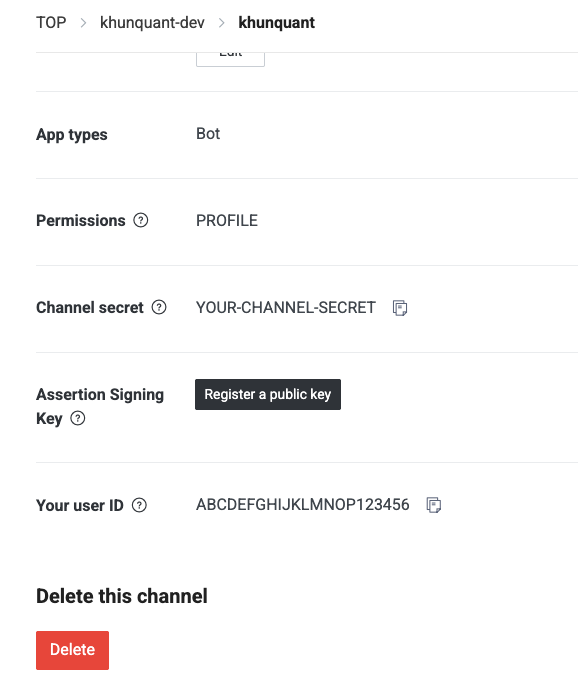
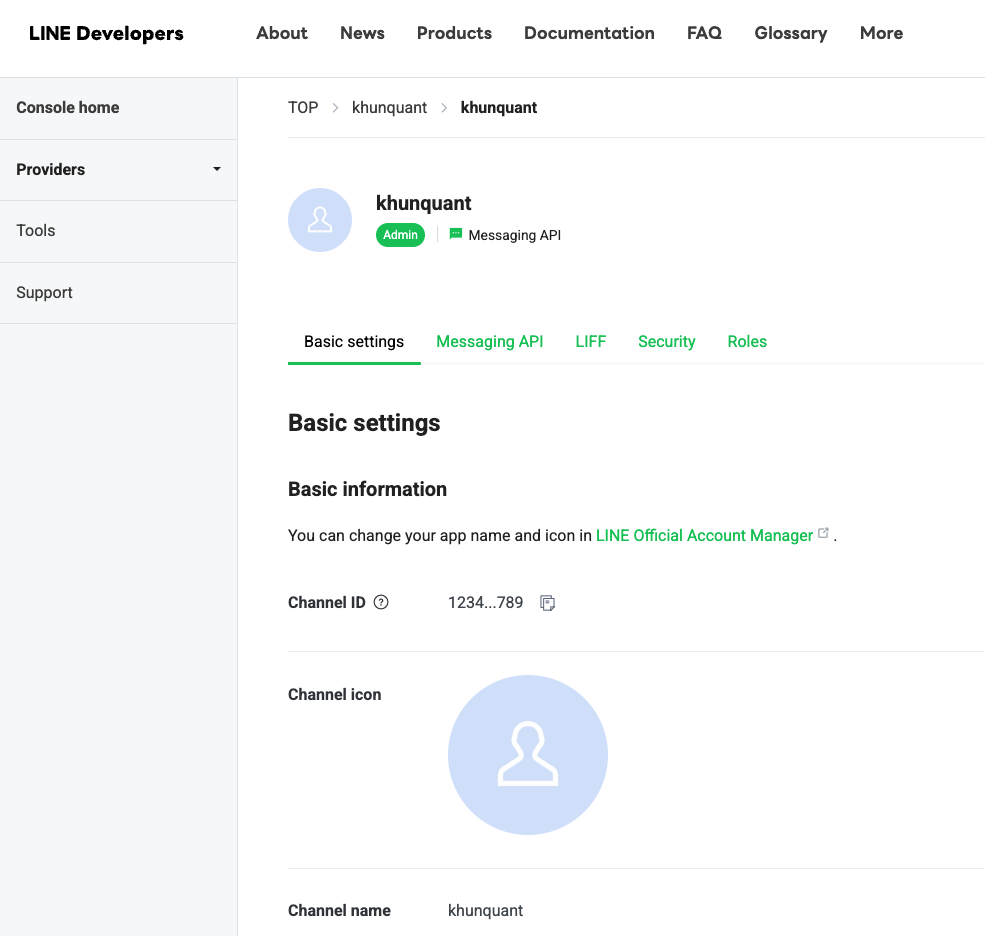
You can find your LINE user ID at LINE Developers → Your Provider → Your Channel → Basic settings tab.
Configuration
Add to ~/.khunquant/config.json:
{
  "channels": {
    "line": {
      "enabled": true,
      "channel_secret": "LINE_CHANNEL_SECRET",
      "channel_access_token": "LINE_CHANNEL_ACCESS_TOKEN",
      "webhook_path": "/webhook/line",
      "allow_from": ["ABCDEFGHIJKLMNOP123456"]
    }
  }
}
Store secrets in ~/.khunquant/.security.yml:
channels:
  line:
    channel_secret: "abc123..."
    channel_access_token: "eyJhbGci..."
| Field | Type | Description |
|---|---|---|
enabled | bool | Enable the LINE channel |
channel_secret | SecureString | Channel secret from LINE Developers console |
channel_access_token | SecureString | Long-lived channel access token |
webhook_path | string | Path the gateway listens on (default: /webhook/line) |
allow_from | []string | Allowlist of LINE user IDs (empty allows all) |
Setup Steps
-
Go to LINE Developers and sign in.
-
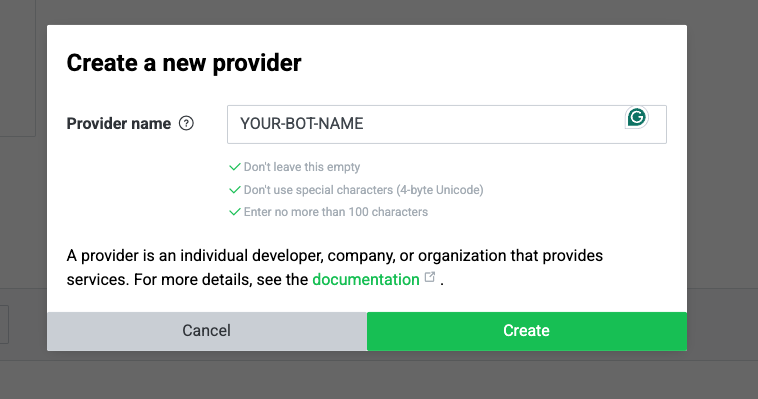
Click the Create button to create a new Provider.
-
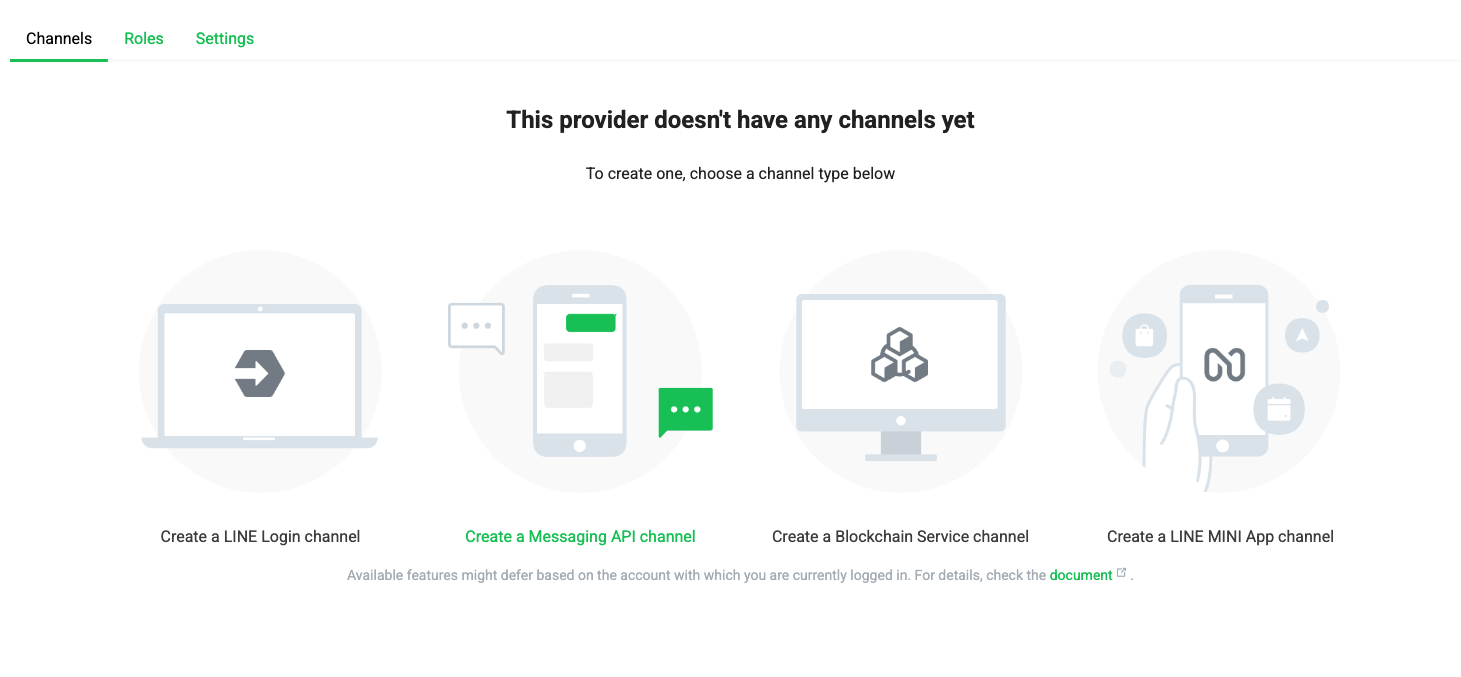
Click Create a Messaging API channel.
-
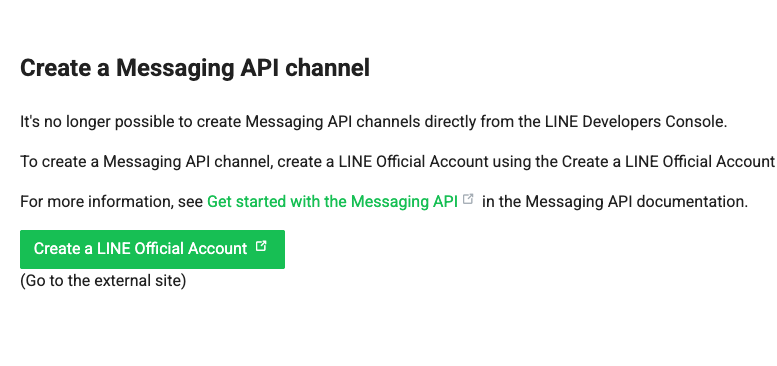
Click Create a LINE Official Account for your KhunQuant bot and fill in the form until you submit.
-
You will see your new channel page like this.
-
Copy the Channel secret from the Basic settings tab and the Channel access token (long-lived) from the Messaging API tab.
-
Add both credentials to KhunQuant.
Recommended: Use the Web UI
Open KhunQuant's channel settings in your browser:
http://localhost:18800/channels/line
Paste your Channel Secret and Channel Access Token into the form and click Save. KhunQuant automatically encrypts the values — you never need to touch any config files.
Why not edit the file directly?If your
.security.ymlalready uses encrypted fields (enc://prefix), pasting a plain token directly into the file will cause an authentication error at startup. The Web UI handles encryption automatically and avoids this problem.Alternative: Manual file edit (advanced users only)
Open
~/.khunquant/.security.yml:channels:line:channel_secret: "abc123..."channel_access_token: "eyJhbGci..." -
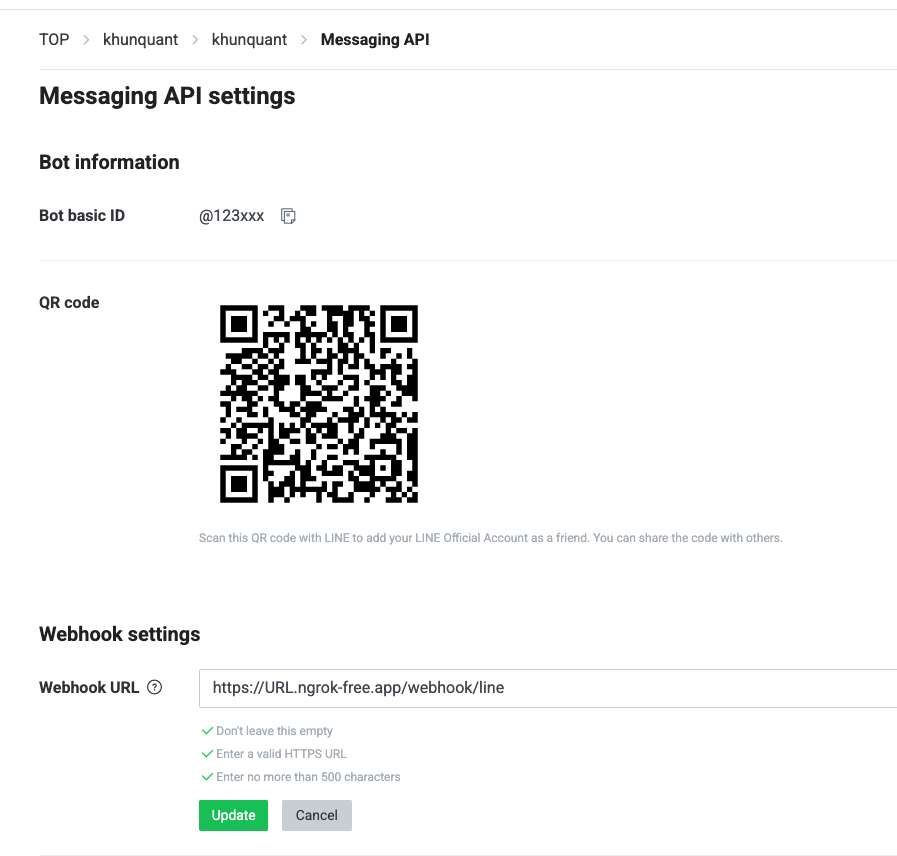
Set the webhook URL in your channel's Messaging API tab to point to your KhunQuant gateway (e.g.
https://your-domain/webhook/line) and enable Use webhook.
-
Start KhunQuant.
Local development with ngrok
The KhunQuant gateway listens on port 18790 by default. Expose it publicly with:
ngrok http 18790
Copy the HTTPS URL printed by ngrok (e.g. https://abc123.ngrok.io) and use it as your webhook base URL in the LINE Developers console (https://abc123.ngrok.io/webhook/line).
LINE only delivers events to HTTPS endpoints with a valid TLS certificate. A tunnel like ngrok or a reverse proxy (Caddy, nginx) is the simplest way to satisfy this during local development.